Showing posts with label bugfix. Show all posts

Tuesday, June 10, 2025

New Firefox Browser Extensions for Bookmark Ninja

New versions of the Firefox Add to Ninja and Bookmark All Tabs extensions are now available:
  • You can now assign shortcut keys to both extensions.
  • A bug where the height of the extension windows was not set correctly has been fixed.
If you have automatic extension updates enabled in Firefox, the extensions will update automatically. If not, you can update them manually or remove and reinstall them.

New version numbers

Add to Ninja: 1.0.0.6
Bookmark All Tabs: 2.0.0.2

How to Assign Shortcut Keys to the Extensions

  1. Click the menu icon (≡) in the top-right corner of Firefox.
  2. Select Add-ons and themes.
  3. Click Extensions on the left.
  4. Click the gear icon next to Manage Your Extensions.
  5. Select Manage Extension Shortcuts.
  6. Enter your preferred shortcuts next to each extension.

For Chrome users

The shortcut key assignment feature has already been available for some time.

Feel free to reach out if you have any questions.

Monday, January 20, 2025

Improvements in Today's Update

This update focuses on improving performance and security and addressing minor issues. Here's a summary of what’s new:
  • Optimized session manager code for improved security.
  • Rewritten some parts of the Dashboard code to enhance page loading speed.
  • Fixed minor bugs.

Thursday, September 5, 2024

Enhancements in Today's Update

Today's update includes important improvements:

  • Bug Fixes: Minor issues have been resolved to improve performance.
  • Security Enhancements: Security patches have been applied for better protection.
  • Usability Improvements: Small changes were made to streamline navigation and enhance user experience.

Friday, December 8, 2023

Fix for the error when importing bookmarks from MyMark.me

Today's update includes a fix for the error that occurred when importing bookmarks from the MyMark.me bookmark manager. This issue specifically arose when attempting to import a bookmark HTML file exported from MyMark.me. Bookmark files exported from other bookmark managers were not affected by this error.

Sunday, October 29, 2023

Today's update includes an important bug fix

Today's update includes the fix for the "Add to Ninja bookmarklet doesn't work in Safari on iOS" issue.

The issue has to do with how the new version of mobile Safari saves the JavaScript code. This new behaviour breaks the JavaScript code of the "Add to Ninja" bookmarklet. This impacts only the users who recently installed the bookmarklet in Safari on iOS. Users who installed it earlier still can use it without any problem.

The JavaScript code of the "Add to Ninja" bookmarklet has been modified so that the way the new Safari saves the code will not make it unusable.

If your "Add to Ninja" bookmarklet doesn't work in Safari on iOS, please delete it and reinstall it following the steps described here: How to install the bookmarklet in your mobile browser?

Please contact us at support@bookmarkninja.com if you have any questions or if there's anything we can help you with.

Saturday, October 28, 2023

New installation of the "Add to Ninja" bookmarklet doesn't work in the latest version of Safari on iOS

If you install the "Add to Ninja" bookmarklet in the latest version of Safari on iOS, the "Add to Ninja" bookmarklet will not work. The issue has to do with how the new mobile Safari saves the javascript code. If you installed the bookmarklet earlier then the issue doesn't affect you. If you have this problem please let me know this by sending an email to support@bookmarkninja.com and I will send you the updated bookmarklet script that fixes this issue. I will also update the script on the website ASAP.

Tuesday, March 28, 2023

Fixing the "error when user right mouse clicks on a bookmark" issue

Users might get the "Oops, something went wrong..." error message when they right mouse click on a bookmark on the Dashboard to invoke the bookmark context menu.

It happens when a browser extension is running in the browser that changes the content of the Bookmark Ninja Dashboard. It changes the IDs of the components of the web page (the Dashboard) which causes the error. This is a very bad behaviour of a browser extension, the browser web stores should refuse the submission of such extensions. These extensions can harm the functionalities of the web applications.

Typically browser extensions that translate the content of the web pages can cause such issues.

Please follow the steps below to fix the issue:

(1) Disable all the browser extensions in your browser.

(2) Enable the browser extensions one by one to find out which one causes the issue.

(3) If you find the browser extension that causes the issue add Bookmark Ninja to its exception list/white list (if there is any). Make sure you are using the full URL "https://www.bookmarkninja.com". If the browser extension doesn't support an exception list/white list then leave the extension disabled.

Thursday, February 16, 2023

Bug fix in today's update

Today's update includes a bug fix for the following issue:

When you entered tags during adding or editing a bookmark, the position of the tag autocomplete popped up panel was sometimes incorrect. It happened only in desktop browsers, in mobile browsers it worked fine.

The correct position of the tag autocomplete panel

Friday, June 10, 2022

Introducing the new UI component library

The UI component library in Bookmark Ninja was 6 years old, so it was time to update it to a newer version. The update of the UI component library was a big work that took several months to complete. It affects both the desktop and mobile UI. Updating the library for the mobile UI was the more complicated task, it required rewriting about 80% of the mobile UI code. The work that had to be done on the desktop UI was less, it affected about 10% of the code.

What are the benefits of having an updated UI component library?

It was necessary to update the UI component library in order to keep up with the improvements of the browsers and to minimize the possible incompatibilities.

Also the new UI library includes a lot of improvements and bug fixes that will provide a better user experience:

  • The rendering of the UI components is faster.
  • Now additional UI components are available that we can use in the future developments of Bookmark Ninja.
  • The new UI component library provides a solution for the "blank page flash at page load" Chrome issue.
  • During integrating the new UI component library all the known UI related bugs have been fixed.

What does the new UI look like?

The UI in the desktop browsers looks like the old one, there aren't noticeable differences, the big change is under the hood.

In mobile browsers the UI got a nicer, cleaner look. The mobile UI components have been updated in order to be more consistent with the desktop UI while the mobile specific screen layouts were kept:


Are there any functional changes?

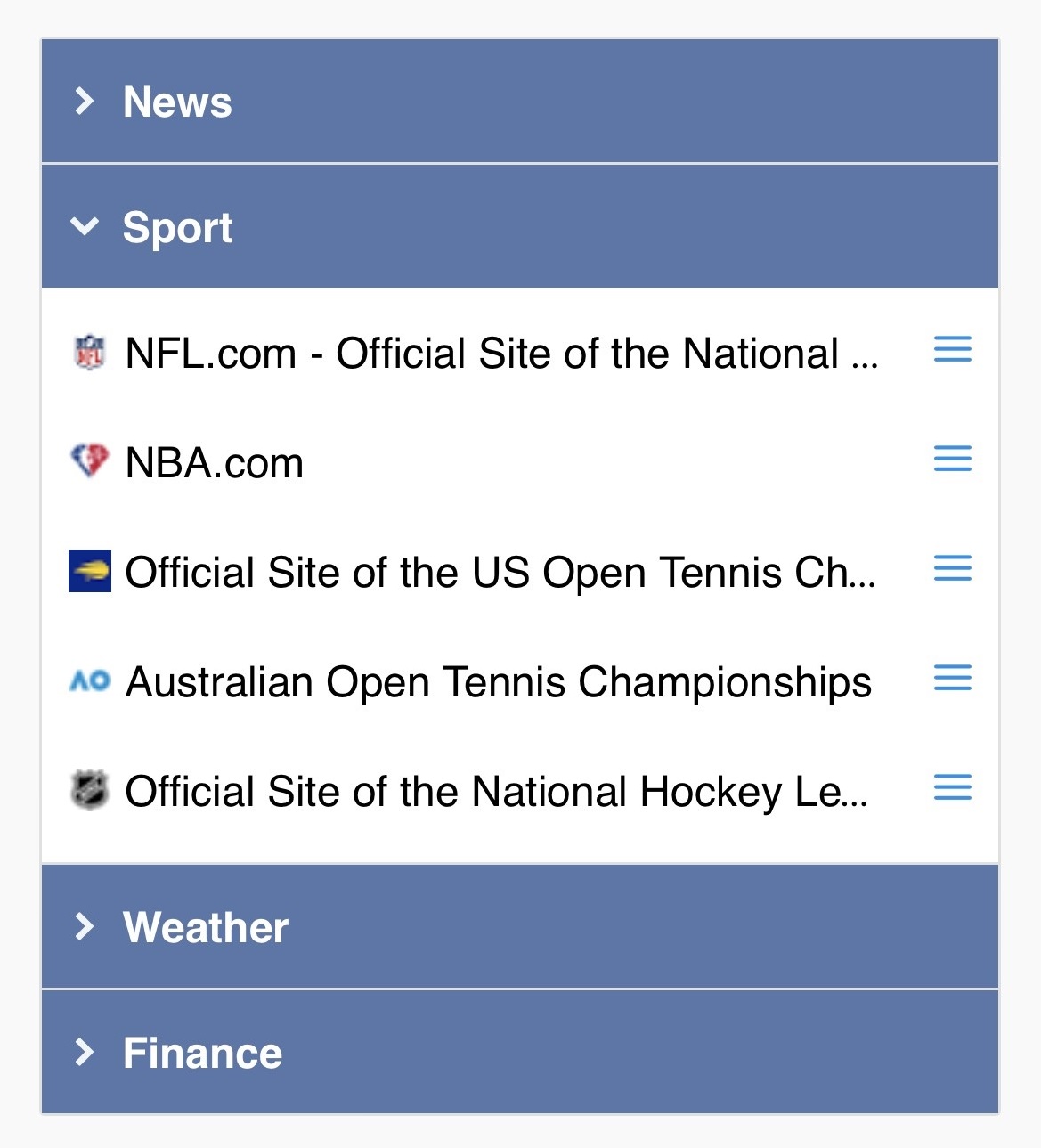
Yes, there is one. Until now you could invoke the bookmark context menu on the Dashboard in mobile browsers with "tap and hold". From now on you have to tap on the new menu icons (3 blue, horizontal lines) next to the bookmarks. The "tap and hold" functionality has been removed.

In desktop browsers this functionality hasn't changed, you can still invoke the context menu of the bookmarks on the Dashboard with a right mouse click on the bookmarks.

Monday, April 18, 2022

Bug fixes in today's update

Bug fix #1
In mobile browsers when you used the Find Category tool on the Dashboard, the searched category was marked with a red frame but if the category was not in the view, the window didn't scroll to the category automatically.

Bug fix #2
The context menu of bookmarks that were close to the bottom of the Dashboard window were not positioned correctly. The lower part of the context menu was not visible, you had to scroll down to get the whole context menu in view.

Bug fix #3
The mouse hover regions of the bookmark links on the shared tabs were misaligned. The cursor didn't change to the hand icon and the link didn't change to underlined when you moved the mouse cursor over the lower part of the bookmark titles.

Bug fix #4
The favicons of some websites were not displayed properly on the shared tabs. This issue had already been fixed on the Dashboard previously, now it is fixed on the shared tabs, too.

Friday, January 28, 2022

Fix for the missing favicons on the Dashboard

Customers reported that suddenly the favicons of quite a few websites got disappeared on the Dashboard and the default globe icons were displayed instead. Bookmark Ninja uses a Google service to obtain the favicons of the website. After investigating the issue it turned out that Google has made some changes in the API of the service. We have made the necessary adjustments in the code, the favicons are back in today's update.

Tuesday, November 16, 2021

Improvements and bug fixes in today's update

Improvement #1
From now the Tab and Category selection list boxes are not displayed on the My Bookmarks page when "All" or "Catalog" is selected. Until now the list boxes have only been disabled. The Tab and Category selection list boxes are displayed only when "Dashboard" is selected.

Improvement #2
From now "None" is displayed under "Available tags" and "Selected tags" when the tag list is empty.

Improvement #3
The order of the tags under "Selected tags" on the My Bookmarks page have been changed from alphabetical order to the order of the tags have been selected.

Improvement #4
The "Add folder names as tags" checkbox has been removed on the Import page. From now the folder names are always added to the bookmarks as tags during the import process.

Improvement #5
After import is finished “The basics of organizing your imported bookmarks" dialog box is displayed with a few tips.

Improvement #6
Improved the loading speed of the My Bookmarks page when it is invoked by selecting the "My Bookmarks" menu.

Bug fix #1
After moving or deleting multiple selected bookmarks on the My Bookmarks page, if all the bookmarks were selected in the list, the number of selected bookmarks and the number of total bookmarks were not updated in the top left corner.

Bug fix #2
When bookmark files with long file names were uploaded or error messages were displayed on the Import page, the layout of the page sometimes broke.

Tuesday, August 3, 2021

Improvements and bug fixes in today's update

Improvement #1
The maximum length of the notes that you can add to the bookmarks has been increased from 255 characters to 1000 characters.

Improvement #2
From now the multiple line notes are displayed with line breaks on the My Bookmarks page and in the hover tooltips on the Dashboard (if it is set on the Settings page) and on the shared Tabs. Until now line breaks were ignored and multiple line notes were displayed in one line.

Bug fix #1
There were rare cases when Notes/Description didn't get imported from the html bookmarks file. It mostly happened when users imported bookmarks from older bookmarking services. From now Notes/Description are always imported even if the html bookmarks file was created by an old bookmarking service.

Bug fix #2
There were rare cases when the import process failed because of incorrect date values in the html bookmarks file. From now the import won't fail even if the bookmarks file contains incorrect date values.

Friday, July 23, 2021

Fix for the broken UI layout caused by the latest browser updates

The latest Chrome and Firefox updates broke the layout on the Find Duplicates dialog box. Today's Bookmark Ninja update contains a fix for the problem.

Monday, July 5, 2021

New "Bookmark All Tabs" browser extension

The "Bookmark All Tabs" browser extension has been updated in both the Google Chrome Web Store and the Mozilla Add-Ons Store.

The new version (2.0.0.1) contains a bugfix for the "Request-URI Too Long" error message that occurred sometimes when there was a large number of open tabs in the browser. From now you can bookmark unlimited number of tabs without any problem.

If you have the automatic extension update set in your browser then the extension will be updated automatically if not then please update it manually.

You can learn more about the "Bookmark All Tabs" extension in this blog post.

Saturday, January 2, 2021

Today's update contains a bugfix and an improvement

Bugfix
In very rare scenarios program error occurred during updating the notes field of a bookmark. Bug has been fixed.

Improvement
"Scroll to Top" has been added to the bottom of the My Bookmarks page when the user selects the 50 bookmarks per page option.

Monday, October 26, 2020

Fix for the "broken image icon instead of the favicon" issue

Today's update contains a fix for the "broken image icon is displayed instead of the favicon when the URL contains a port number" issue (e.g.: https://www.domain.com:8080/folder).

Saturday, August 15, 2020

Fix for the broken favicons on the Dashboard

We've found that the favicons of some websites got broken mainly in Firefox and Safari. There have been some changes in the API of the Google service that we are using to display the favicons, this caused the issue. We have made some adjustments in our code, now the favicons are properly displayed again.

Monday, January 6, 2020

Update 2020.01.06 rolled out

  • Made the height of the items in the tag autocomplete drop-down list smaller. If a tag was typed in the third row of the Tags input filed and there were 6 suggestions in the autocomplete list then the dialog had to be resized to see the last item in the list. Now the last item of the 6 suggestions is always visible.
  • Fixed bug: There were scenarios when the Category finder drop-down list on the Dashboard contained duplicated category names.
  • Updated footer year.

Wednesday, December 4, 2019

Minor bug fixes

Today's update contains 2 minor bug fixes:

(1) The width of the tag autocomplete drop-down list (on the dialog boxes opened from the My Bookmarks page) was too wide. Now it has the correct width.

(2) The Category selection drop-down lists (when you add a bookmark or move a bookmark) contains the category names in alphabetical order. If you had category names starting with both lowercase and uppercase characters, they were sorted case-sensitive (lower case characters came after the upper case characters in the list). It has been fixed, category names are now sorted case-insensitive.